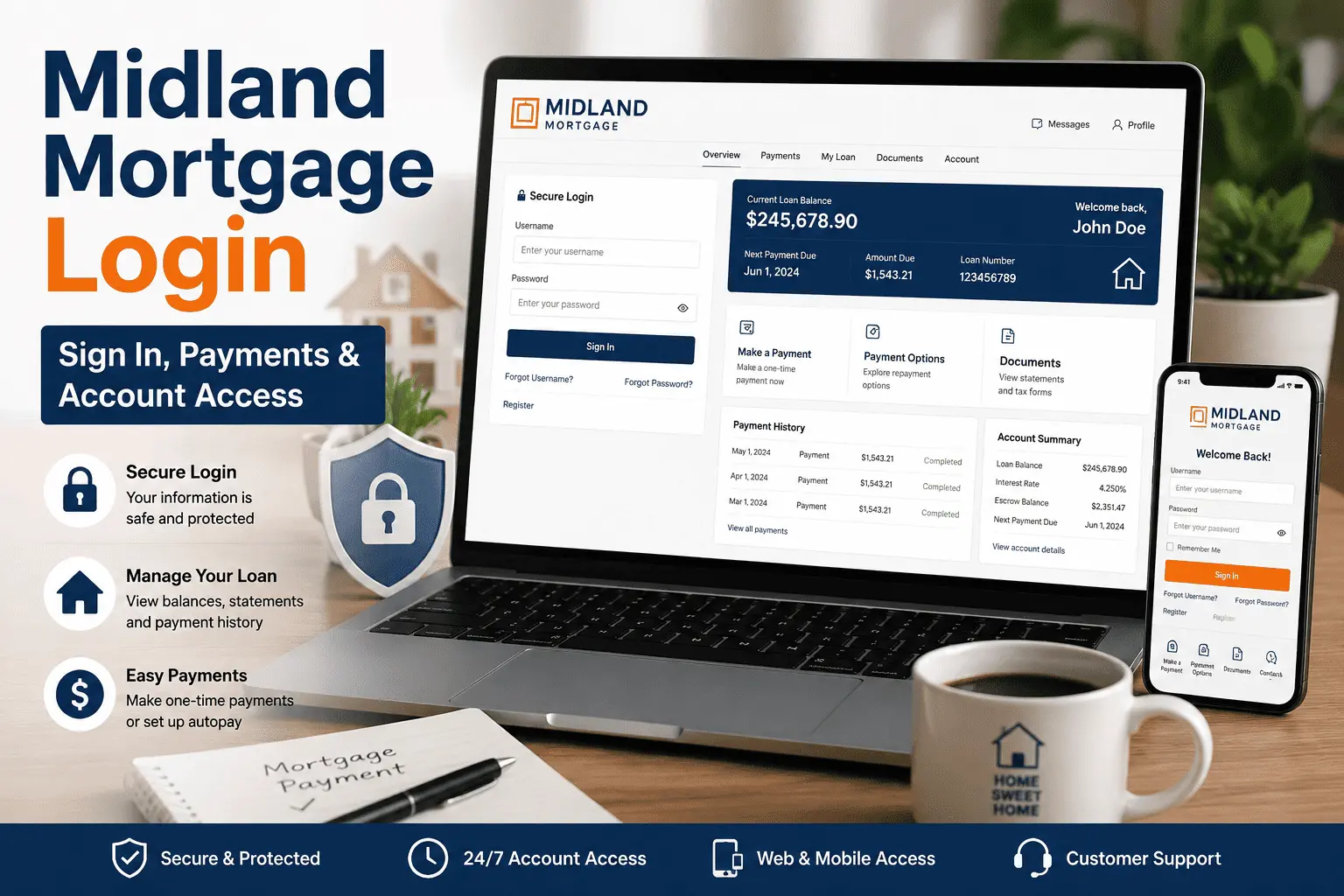
Getting a letter that says your loan moved to a new servicer is stressful enough without fighting a portal that won’t let you in. Maybe your password isn’t working, or you’re not even sure which website is the real one. This kind of confusion happens to thousands of borrowers every year, and it usually clears up once you know the correct steps to follow.
This guide walks you through every part of the Midland Mortgage login process — signing in on the website, using the mobile app, registering as a new user, and fixing common errors. We’ll also cover payments, account security, and what to do if you ever want to close your online access. By the end, you’ll know exactly how to reach your dashboard, make a payment, and keep your account protected.
About Midland Mortgage
Midland Mortgage is the loan servicing division of MidFirst Bank, based in Oklahoma City, Oklahoma. It handles day-to-day mortgage tasks like collecting payments, managing escrow, and answering loan questions from homeowners across the country. Many borrowers are assigned to Midland after their loan is sold or transferred from another lender, not because they applied with Midland directly. This is normal in the mortgage industry, and it doesn’t change your loan terms in any way.
How to Log In to Your Midland Mortgage Account
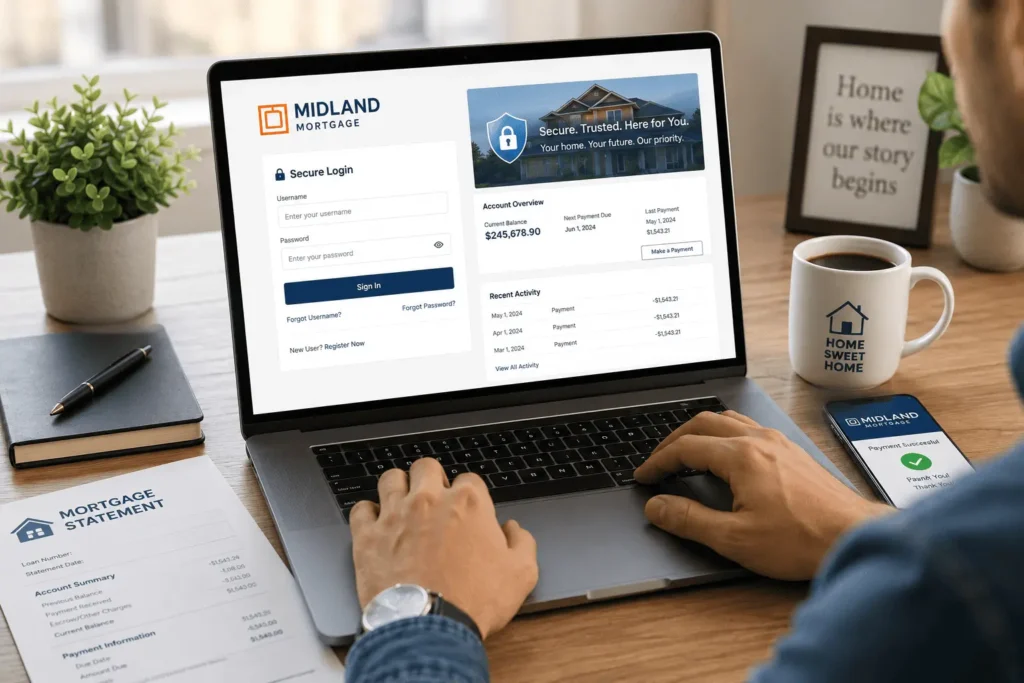
Before you start, you’ll need your loan number, your password, and a supported web browser like Chrome, Safari, or Edge. Having these ready saves time and avoids most sign-in errors before they even happen. Here’s how to complete your Midland Mortgage login on a desktop or laptop, step by step.
- Go to mymidlandmortgage.com.
- Click the Sign In button near the top right corner.
- Enter your username and password exactly as you created them.
- Select Sign In again to confirm your details.
- Your account dashboard will load with your balance, payment history, and statements.
If your details are correct but the page won’t move forward, clear your browser cache and try again. A slow connection or an outdated browser is often the real problem, not your login itself. Some borrowers also find that disabling browser extensions, like ad blockers, helps the sign-in page load properly. If none of this works, try a different device before assuming your account has an issue.
How to Log In Using the Midland Mortgage Mobile App
The mobile app gives you the same account access as the website, just in a smaller format for your phone or tablet. Search for “Midland Mortgage” on the Apple App Store or Google Play Store and download it to your device. The app is completely free to download and use, with no hidden subscription fees attached to it. This makes it a convenient option for borrowers who want quick access without opening a browser every time.
Once installed, open the app and tap Sign In on the welcome screen. Enter your username and password exactly as you would on the website. Tap the Sign In button to load your account, where you can check balances, view statements, and pay your bill from anywhere. Many users also enable fingerprint or face recognition inside the app settings, which speeds up future logins considerably.
How to Register for a Midland Mortgage Account (First-Time Users)
If your loan was recently transferred to Midland, you likely don’t have an online account yet, even though your loan already exists in their system. Setting one up takes just a few minutes and unlocks full access to your mortgage details right away. This step is required even if you had online access with your previous servicer, since the systems are not connected.
- Visit mymidlandmortgage.com and click Register.
- Enter your loan number, Social Security number, and the ZIP code of your property.
- Create a unique username and a strong password.
- Set up three security questions for future identity checks.
- Confirm your email address to finish setup.
Once registration is complete, you can return to the homepage anytime to log in to your account without repeating these steps. New users sometimes mistype their loan number, so double-check the digits on your welcome letter before submitting the form. It also helps to use a password manager so you don’t forget your new credentials later. If the system rejects your information, wait 24 hours, since newly transferred loans sometimes take a day to appear fully in Midland’s database.
How to Recover Your Midland Mortgage Login Details
Forgetting your password or username happens to almost everyone eventually, especially if you only check your mortgage account once a month. Midland makes recovery simple as long as you have a few pieces of personal information ready ahead of time.
Reset a Forgotten Password
Click Forgot Password on the sign-in page. You’ll need your loan number, Social Security number, and property ZIP code to verify your identity. After verification, you’ll receive a secure link by email to create a new password. Choose a password you haven’t used elsewhere, and avoid anything too closely tied to your address or birthdate.
Recover a Forgotten Username or Loan Number
If you can’t remember your username, select Forgot Username instead. The system will ask for your Social Security number, ZIP code, and current password if you have it. Your username will then be emailed to the address on file within a few minutes. If you no longer have access to that email account, you’ll need to call customer service to update it first.
Midland Mortgage Login Problems and How to Fix Them
Most login issues come down to a handful of common causes, and nearly all of them have a quick fix once you know where to look.
Account Locked or Too Many Failed Attempts
Entering the wrong password several times in a row temporarily locks your account for security reasons. Wait about 15 to 30 minutes, then try again with the correct credentials. If the lockout continues, use the password reset option instead of guessing further, since repeated wrong attempts can extend the lockout period.
Website Error or Page Not Loading
Sometimes the issue isn’t your account at all. Clear your browser’s cookies and cache, then refresh the page completely. You can also try a different browser or switch from Wi-Fi to mobile data to rule out a connection problem. Heavy traffic on the site during peak hours, like the start of the month, can also slow things down temporarily.
Login Not Working After Your Loan Transferred to Midland
If your loan recently moved to Midland from another servicer, your old credentials won’t carry over at all. You’ll need to register as a new user using your updated loan number from your welcome letter. This is the most common reason new Midland borrowers can’t get past the sign-in screen, and it isn’t a sign of any error on your part.
How to Manage Your Mortgage Account Online
Once you’re inside your dashboard, there’s a lot you can do without ever picking up the phone. You can make or schedule a one-time payment, or set up autopay so you never miss a due date again. Escrow details, tax records, and insurance documents are all stored in one place for easy review whenever you need them.
You can also update your linked bank account information whenever your banking details change. Many borrowers choose to go paperless, which switches statements and notices from mail to email or in-app alerts instead. This not only reduces clutter at home but also gets you faster notice of any account changes.
How to Make a Payment Through Your Midland Mortgage Account
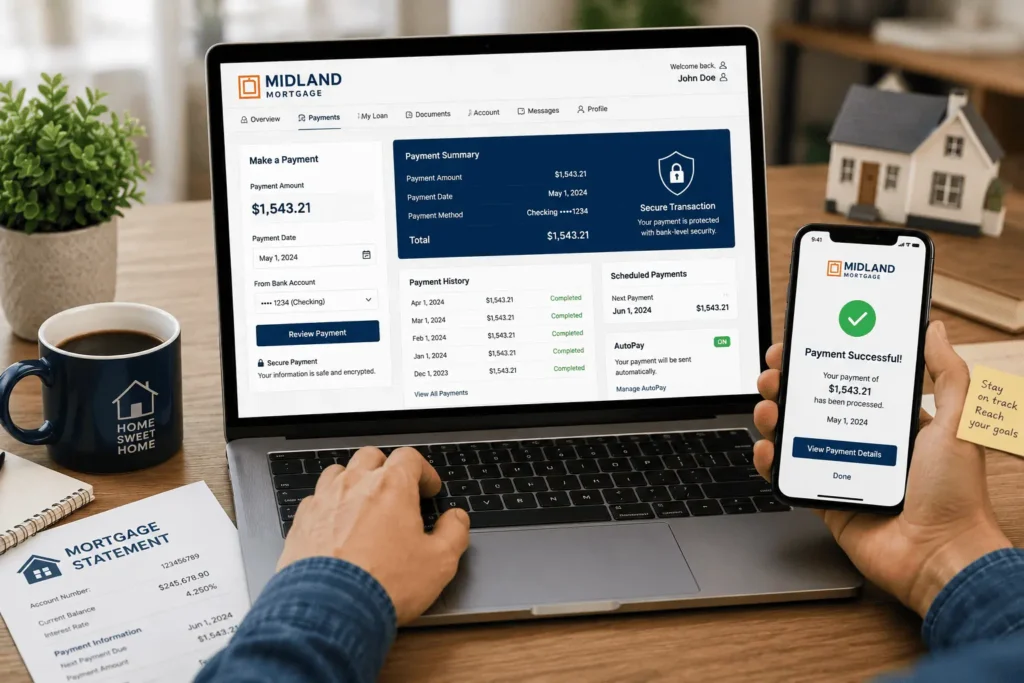
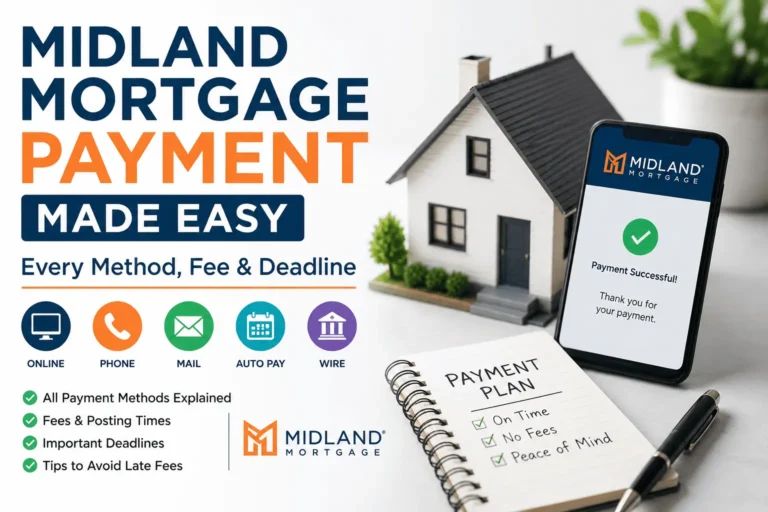
Midland gives you several ways to pay your mortgage payment, depending on how fast you need it processed and whether you’re comfortable paying a fee.
| Payment Method | What You Need | Processing Time | Fee |
|---|---|---|---|
| Online (Web or App) | Account login, bank details | Same or next business day | Usually free |
| Phone (800-654-4566) | Loan number, bank account info | Same business day | May apply |
| Mail (P.O. Box 268888, Oklahoma City, OK 73126) | Check, loan number on memo line | 5–7 business days | None |
| Wire Transfer | Bank’s wire instructions, loan number | Same business day | Bank-dependent |
Online payments are the fastest and most convenient option for most borrowers, especially those who already check their account regularly. If you prefer not to sign in online at all, the phone and mail options work just as well, just slower. Wire transfers are best reserved for larger payments, like paying down principal, since they often come with bank fees on either end.
How to Keep Your Midland Mortgage Account Secure
Your mortgage account holds sensitive financial and personal data, so a little caution goes a long way toward protecting it. Set up security questions with answers only you would know, and avoid using information easily found on social media. Midland will never call or email you asking for your full password, so treat any such request as a phishing attempt immediately.
Never share your login credentials with anyone, even someone claiming to be from Midland support over the phone. If you ever use a shared or public computer, always log out completely before walking away from the screen. It’s also smart to check your account every month or two, just to catch anything unusual early.
How to Log Out or Close Your Midland Mortgage Account
Logging out safely is simple and only takes a second. On the website, click your name or account icon in the top corner and select Log Out. In the app, the same option appears in the account settings menu near the bottom.
If you want your online access fully closed or removed rather than just logged out, that requires contacting your loan servicing department directly, since this can’t be done from the dashboard itself. A representative can walk you through deactivating online access while keeping your actual loan account active and in good standing. This is different from simply logging out, which only ends your current browser or app session.
Mortgage Assistance and Hardship Help Through Your Account
If you’re facing financial hardship, Midland offers relief programs you can explore right from your dashboard without needing to call first. Look for an assistance or hardship section after signing in, which often includes forbearance requests and loan modification options. These programs are designed to help borrowers avoid missed payments during temporary setbacks like job loss or medical bills.
You can also call their assistance center directly if you’d rather speak with someone before submitting paperwork online. Having your loan number and a brief explanation of your situation ready will speed up the conversation considerably.
Midland Mortgage Customer Service and Contact Options
Sometimes a phone call is simply faster than digging through a portal, especially for urgent questions. Midland’s main customer service line, 800-654-4566, is available 24/7 for payments and general loan questions. For website or technical support specifically, you can call 405-767-5500 during regular business hours instead.
Written correspondence and payoff requests should go to the appropriate department mailing address listed in your loan documents, since different request types use different addresses. Always include your loan number on any letter you send, as this helps the department route your request faster.For questions about about any kind opf loan, contact james@allthings-mortgage.com.
Is mymidlandmortgage.com the Official Midland Mortgage Login?
Yes, mymidlandmortgage.com is the official portal operated by MidFirst Bank’s Midland Mortgage division. It’s easy to confuse this with unrelated companies that have similar Midlands-style branding, such as Midland States Bank or Midland Mortgage Corporation, which are separate businesses entirely with no connection to your loan. If you’re unsure which company services your loan, check your monthly statement or welcome letter for the exact servicer name before logging in anywhere online.
For a broader look at how this servicer handles escrow and support, our Midland Mortgage overview guide covers it in more detail. If your loan is actually with Arvest instead, the steps differ slightly, and our Arvest Mortgage Login guide walks through that process separately.
Conclusion
Getting locked out of your mortgage account is frustrating, but as this guide promised at the start, the fix is rarely complicated once you know the steps. Whether you needed to register, recover a password, or simply complete a basic Midland Mortgage login, every section above gets you back to your dashboard quickly. From there, payments, escrow details, and support options are all just a few clicks away whenever you need them. Keep your loan number and security answers handy, and future logins will take only seconds going forward.
Frequently Asked Questions
Is the Midland Mortgage login portal available 24/7?
Yes, mymidlandmortgage.com and the mobile app are accessible around the clock, every day of the week. You can check balances, view statements, or schedule payments at any hour that suits you. The only exception is brief scheduled maintenance windows, which are rare and usually announced ahead of time on the homepage.
Can I pay my mortgage by phone without a fee?
Yes, calling 800-654-4566 lets you pay by phone, though some payment types may carry a small processing fee depending on the method used. Online payments through the portal are typically free of charge. Check your account dashboard or ask the representative directly to confirm any charges before completing your payment.
Why can’t I log into my account after my loan transferred to Midland?
Old credentials from your previous servicer don’t transfer over automatically when a loan changes hands. You’ll need to register as a new user with your updated Midland loan number, Social Security number, and property ZIP code. This usually takes just a few minutes to complete fully.
Is it safe to sign in online through mymidlandmortgage.com?
Yes, the official site uses encrypted, secure connections to protect your personal and financial data at all times. Always verify the URL reads exactly “mymidlandmortgage.com” before entering any credentials. Avoid clicking login links sent through unexpected emails or texts, since these are common phishing tactics aimed at mortgage borrowers.
What if I forgot both my username and password?
Start with the Forgot Username option using your Social Security number and ZIP code to retrieve it by email first. Once you have your username back, use Forgot Password to reset your password in a separate step. Both processes together take only a few minutes to finish completely.